How to make a story ad for your product
A story ad follows one person who has the problem your product solves. They fall, someone they trust shows them the answer, and they win in front of the people who doubted them. Story Ads Pro walks you through each part.
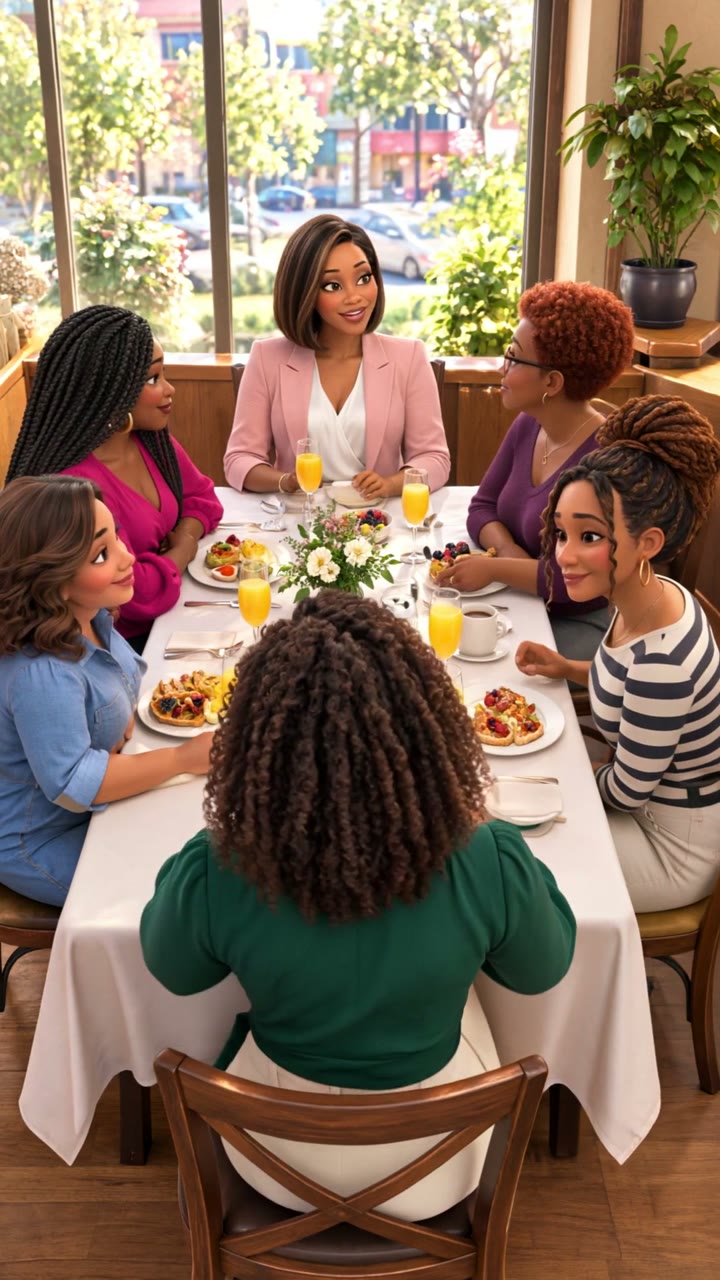
Who it's for
- Owners who know their customer's story but not how to film it
- Brands whose usual ads get skipped
- Anyone who wants an ad that feels like a short film
How it works
- Describe your adTell us what you sell, who buys it and the feeling you want. Plain words are fine.
- Pick your storyStory Ads Pro writes three story options for your brand. You choose one or mix them.
- Get your songFull lyrics plus the song settings to paste into your music app, so your song comes out the way the story needs.
- Plan every shotUpload your song. Each line is timed, and every shot gets a prompt for your image and video app.
- Check and buildUpload your clips. Each one is checked, quick fixes keep you on the beat, and your video is put together for you.
- Post itDownload the full ad and 30, 60 and 90 second versions, with captions and ad text for each platform.
Questions people ask
- What makes a story ad different?
- It sells by showing a change in someone's life, not by listing features. Your product shows up when it matters in the story.
- How many story ideas do I get?
- Three for each project, written for your brand. You can pick one, mix them, or ask for new ones.
- Do I need a film crew?
- No. You make the shots in your own image and video apps using the prompts Story Ads Pro writes.
Make your first story ad
One plan, $37 a month, cancel any time. LiveBrandFlow members get it included.
Get started